Jim Halpert Explains
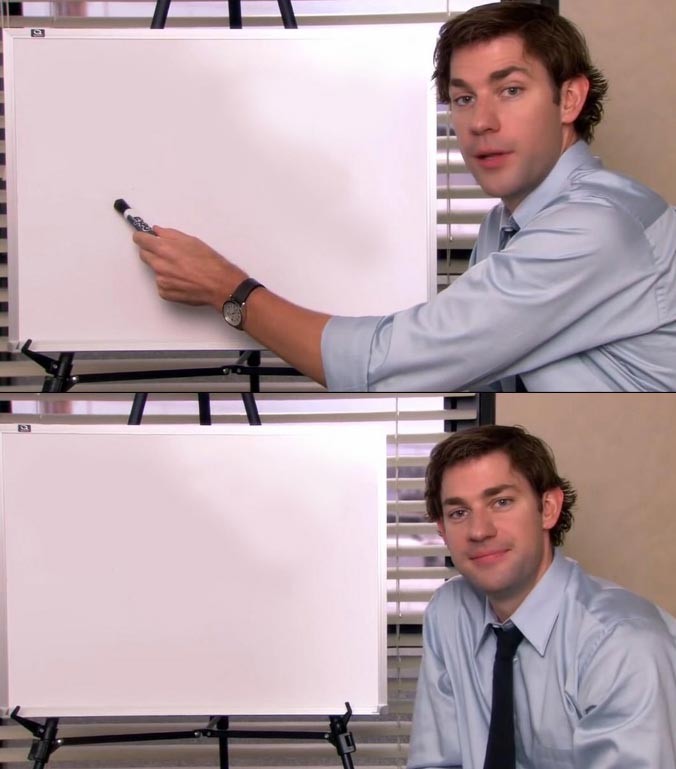
Explain something ridiculous to an outside observer, acknowledge absurdity, or provide commentary on a situation. Perfect for fourth-wall breaking observations.
Dimensions: 676 × 769px
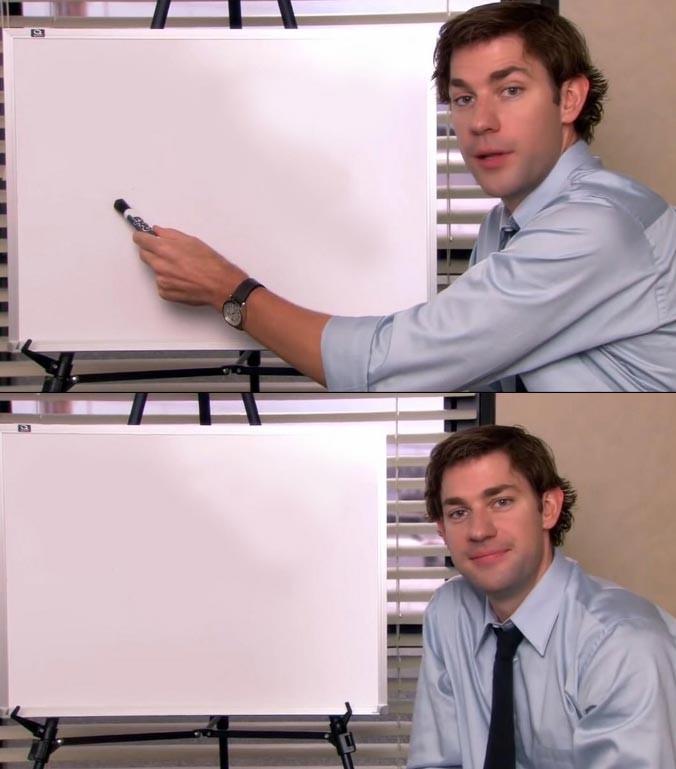
Format: Image of Jim Halpert looking at camera with explanatory text, or two-panel showing situation then Jim's reaction to camera
📖 Origin Story
Source: NBC sitcom "The Office" (US version)
Creator: Greg Daniels (developer), John Krasinski (actor), various episodes with talking head segments
First appeared: The show ran 2005-2013, meme format gained traction around 2019
Jim's direct-to-camera explanations or reactions became a meme format for explaining something to the audience, breaking the fourth wall, or reacting to absurdity. Often paired with situations needing explanation.
🎯 How to Use This Template
Explain something ridiculous to an outside observer, acknowledge absurdity, or provide commentary on a situation. Perfect for fourth-wall breaking observations.
Pro Tips:
- 💡Works best when explaining something obviously wrong or absurd
- 💡Jim's look to camera conveys "can you believe this?" energy
- 💡Can be used for both humorous explanations and frustrated reactions
😂 Example Ideas
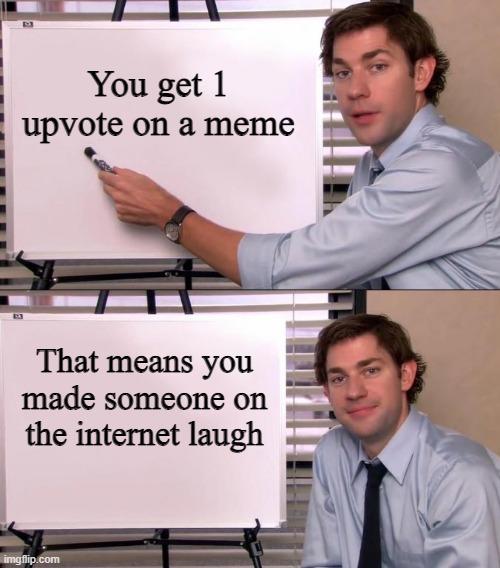
Using Jim's look to acknowledge obvious contradictions

Reacting to opinions that seem universally wrong
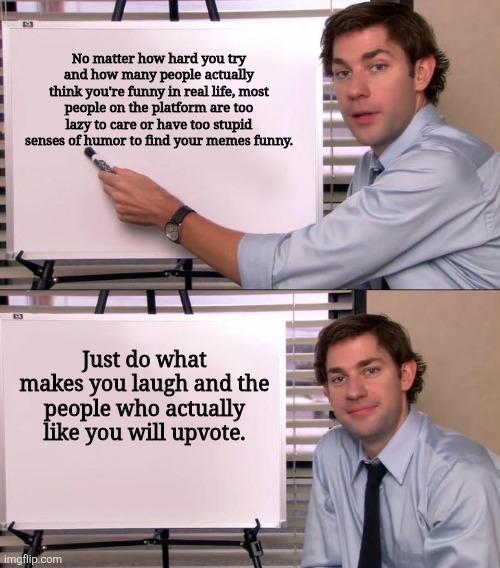
Classic format acknowledging absurdity to the audience
💡 Did You Know?
- •Jim's "camera looks" are iconic throughout The Office's run
- •John Krasinski improvised many of his reactions to Steve Carell
- •The Office's documentary-style format made these fourth-wall breaks natural
- •This format works similarly to the "Confused Math Lady" meme